
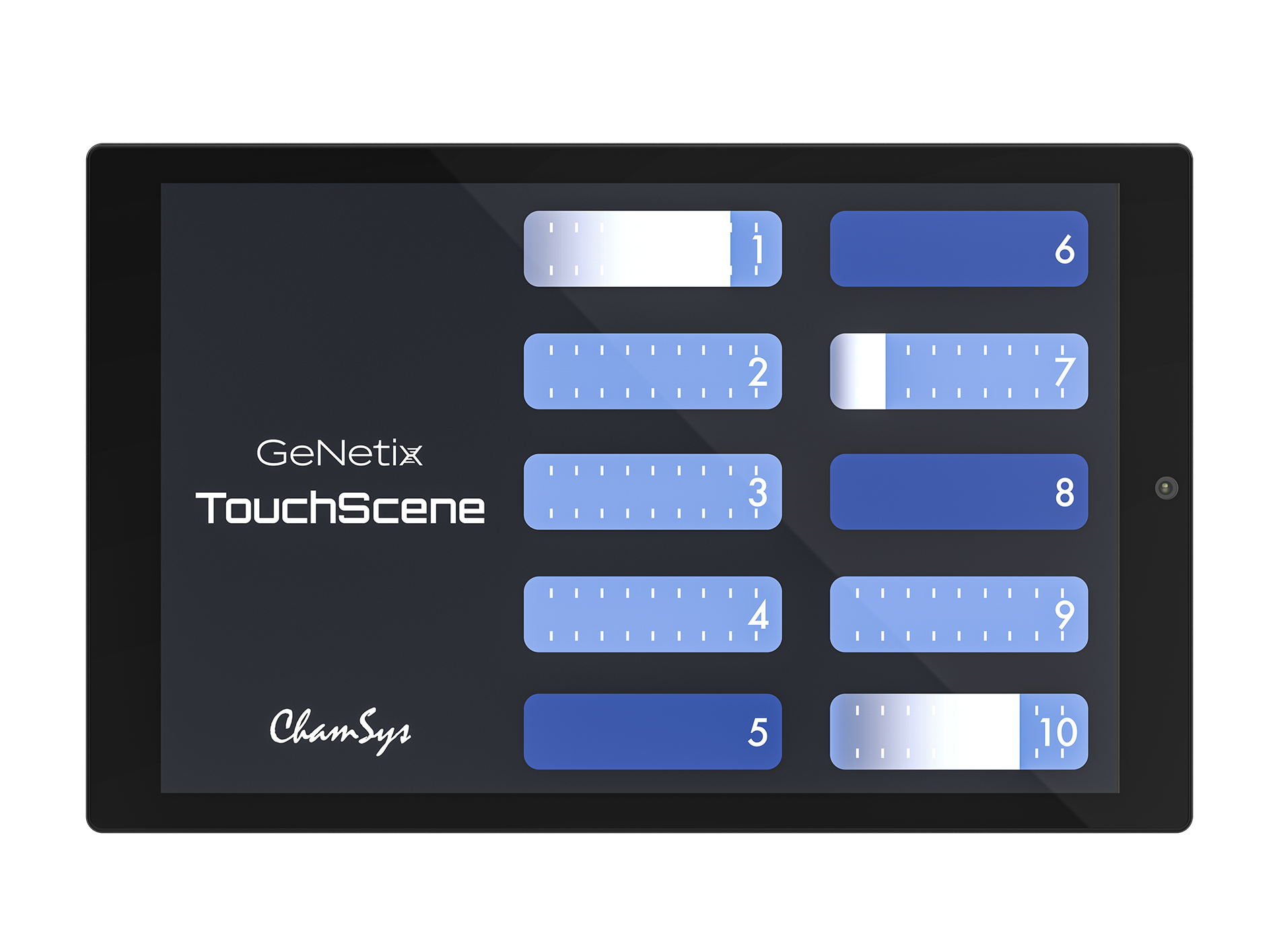
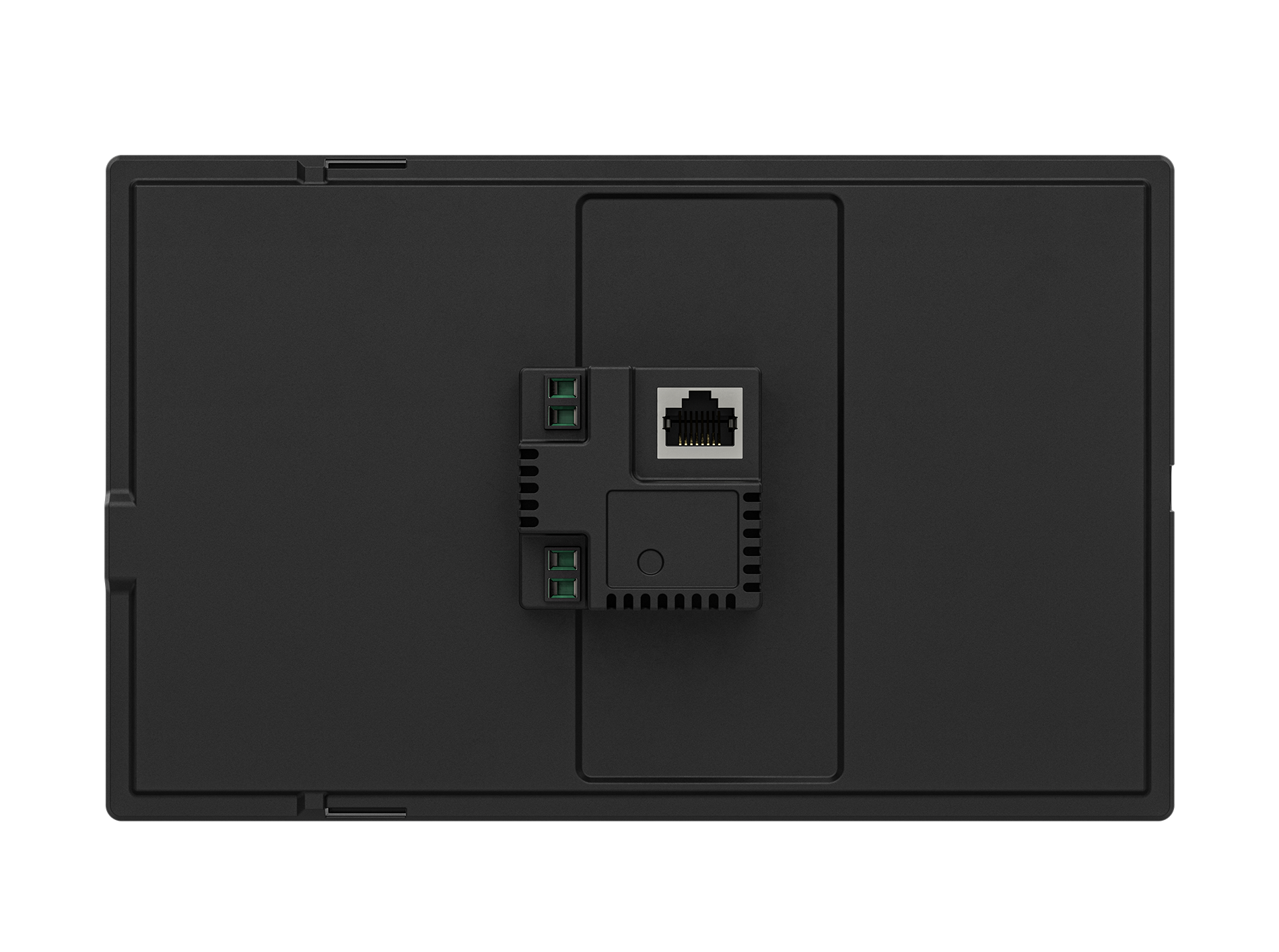
GeNetix TouchScene elegantly integrates with MagicQ or QuickQ systems and GeNetix nodes for remote Scene activation.
When connected to GeNetix Nodes, TouchScenes can be used to toggle on/off Scenes stored on GeNetix Nodes. When TouchScenes are used with MagicQ or QuickQ controllers, additional Scene level control is available. Connecting to a MagicQ control system allows for complete interface customisation, including custom icons and images as well as fully customising the items on the display.
Whether pairing with GeNetix Nodes or ChamSys controllers, TouchScene includes inbuilt layouts that allow its 8″ touchscreen to become a surface suitable for any installation. Along with the practical advantages and aesthetic appeal of graphic display customization, GeNetix TouchScene is PoE-powered, allowing integrators to easily add remote control to installations using standard Ethernet cable for connectivity.
Overview:
8″ Touch Screen
Connects to either MagicQ Systems, QuickQ Consoles or GeNetix Nodes
PoE Powered
Features Selectable In-built Layouts
Customisable Layouts when connected to a MagicQ consoles
Supports Pin Locking when connected to MagicQ or QuickQ consoles
Supports Custom Screensavers
TouchScene/TouchScene Mini Comparison Table
Feature
10Scene Store / GeNetix Node
QuickQ Console
MagicQ Console / Full Unlocked MagicQ PC System
Buttons
Y
Y
Y
Level adjustment
N
Y
Y
Faders
N
Y
Y
PIN lock
N
Y
Y
10Scene Support
Y
Y
Y
Custom Logo Image
N*
Y
Y
Option for position/size of custom Logo Image
Y
Y
Y
Hide unprogrammed buttons
Y
Y
Y
Button names
Y
Y
Y
Selectable Layout Templates
Y
Y
Y
Choice of colour scheme (Light or Dark)
Y
Y
Y
Templates : mixtures of buttons and/or faders
N
Y
Y
Number of Zones Supported
1
10
50
Button/Fader Contents
Static Lighting Scenes Only
Static Cues and Cues with FX
Advanced Cues, Links to either Playbacks or Executes within MagicQ
*Supported in future Software Update
Hardware Specifications:
Screen Size: 8″
48v PoE Powered: Yes
Unlocks MagicQ PC Systems: No*
Fits EU / UK / US Single Gang Backbox: Yes
* Note when used with MagicQ PC Systems, MagicQ must be fully unlocked in order for the TouchScene to work with the PC System.
Software Specifications:
Connects to MagicQ Consoles: Yes
Connects to QuickQ Consoles: Yes
Connects to GeNetix Nodes: Yes
Connects to MagicQ PC Systems: Yes – Required System to be Full Unlocked
Number of Zones when used with MagicQ Systems: 50
Number of Zones when used with QuickQ Consoles: 10
PIN Locking: Yes – MagicQ/QuickQ Only
Customisable Screen Saver Images: Yes
Inbuilt UI Layouts: Yes
Customisable UI Layout: Yes – MagicQ / QuickQ Only